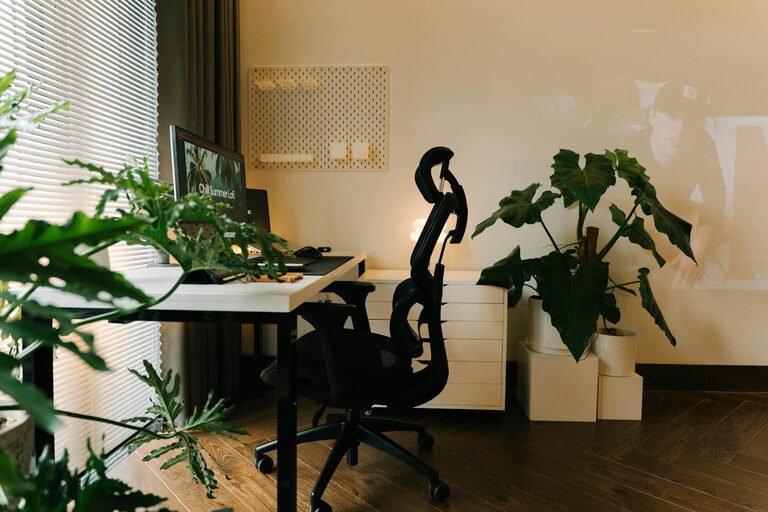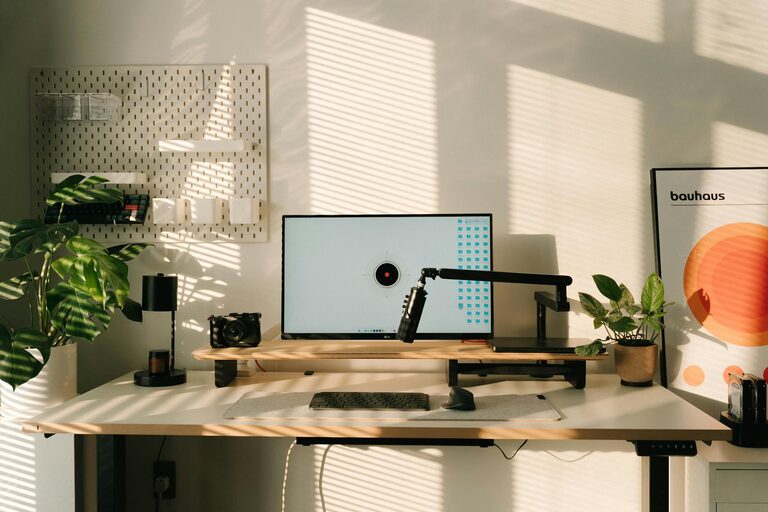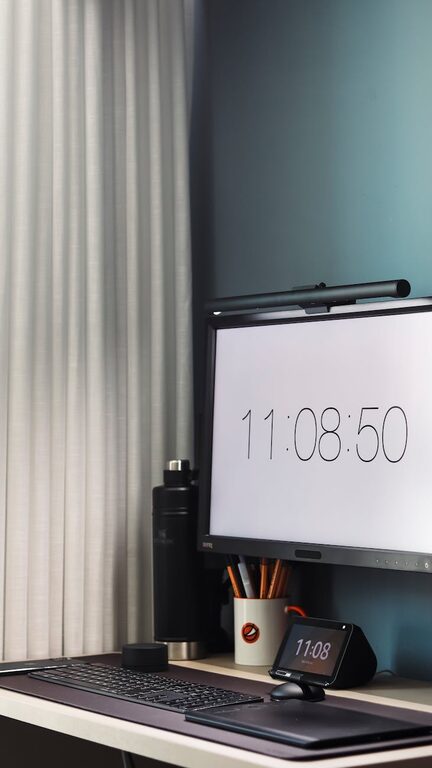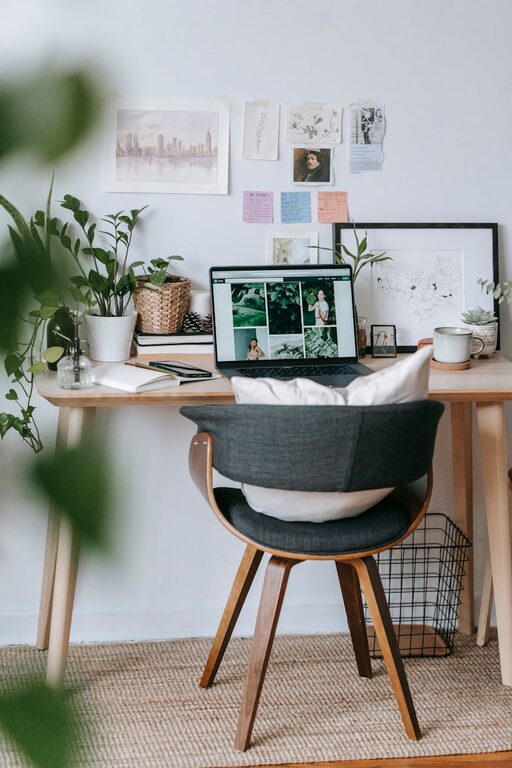

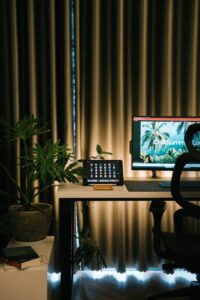
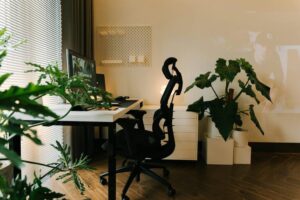
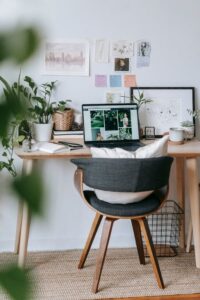
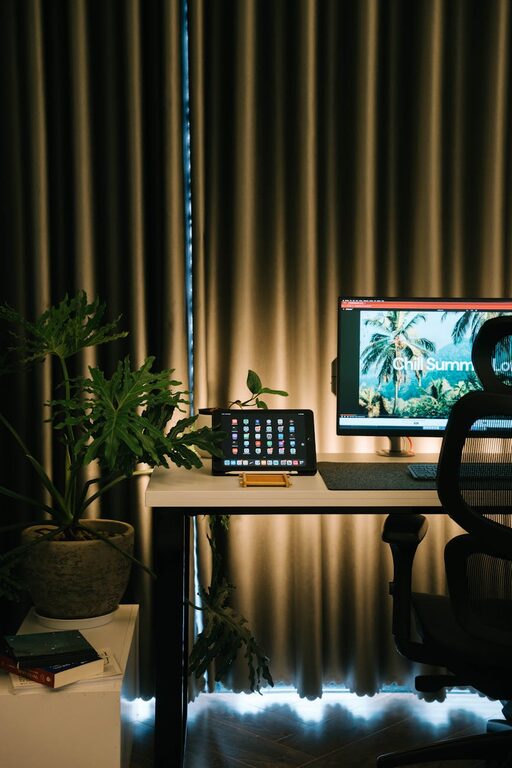
Creating a home office that is both cozy and productive can significantly enhance your work-from-home experience. A well-designed space not only helps you stay focused but also makes working comfortable and enjoyable. Whether you have a dedicated room or just a small corner, these tips will help you set up a home office that meets your needs.
Choose the Right Location
The first step in creating a comfortable and efficient home office is selecting the best spot in your home. Consider the following factors:
– Natural Light: Try to position your workspace near a window to benefit from natural sunlight. It can improve your mood, reduce eye strain, and make the space feel more inviting.
– Quiet Area: Choose a space that is relatively quiet and free from distractions. If you share your home with family or roommates, pick a location where interruptions are less likely.
– Space Availability: Even a small nook or corner can become a great office with the right setup. Make sure you have enough room for your desk, chair, and any essential tools or equipment.
Invest in Ergonomic Furniture
Comfort is key to productivity. Investing in ergonomic furniture helps prevent discomfort and physical strain during long work hours.
– Desk: Select a desk that fits your space and has enough surface area for your computer, documents, and other essentials.
– Chair: Choose an adjustable chair with good lumbar support to maintain good posture.
– Accessories: Consider a keyboard tray, monitor stands, or a footrest to further improve your workspace ergonomics.
Personalize Your Space
Adding personal touches can make your office feel more inviting and reflect your style:
– Decor: Use artwork, plants, or photo frames to liven up the space.
– Colors: Choose colors that make you feel calm and focused. Soft neutrals, blues, or greens are great choices.
– Lighting: In addition to natural light, have a desk lamp with adjustable brightness to reduce eye strain during darker hours.
Organize Efficiently
A clutter-free space helps keep your mind clear. Here are some organization tips:
– Storage Solutions: Use shelves, drawers, or filing cabinets to keep papers and supplies organized.
– Desk Organizers: Sort pens, sticky notes, and other small items with organizers or cups.
– Cable Management: Keep cords tidy with clips or cable sleeves to prevent tangled wires.
Create a Daily Routine
Your space works best when paired with a routine that promotes focus:
– Designate Work Hours: Set clear working hours to separate work time from personal time.
– Breaks: Take short breaks to stretch, walk, or rest your eyes to avoid burnout.
– Keep Essentials Close: Have water, snacks, and frequently used items within reach to minimize distractions.
Use Technology Wisely
Equip your home office with the right technology to enhance efficiency:
– Reliable Internet: A strong internet connection is fundamental for most remote work.
– Headphones: Noise-canceling headphones can help you concentrate, especially in busy households.
– Software Tools: Use apps for task management, time tracking, or communication to streamline your workflow.
Maintain Your Space
Keeping your workspace clean and inviting encourages productivity:
– Daily Tidying: Spend a few minutes at the end of each day to clear your desk.
– Regular Deep Clean: Wipe down surfaces and vacuum often to keep your office fresh.
– Refresh Decor: Change up plants or artwork occasionally to keep the environment inspiring.
Final Thoughts
Designing a cozy and productive home office is about blending comfort with functionality. By choosing the right location, investing in ergonomic furniture, personalizing your space, staying organized, establishing routines, using technology wisely, and maintaining your setup, you can create an environment where work feels enjoyable and effective. Remember that your home office should reflect your personal style and needs, so feel free to experiment and adjust until it feels just right.